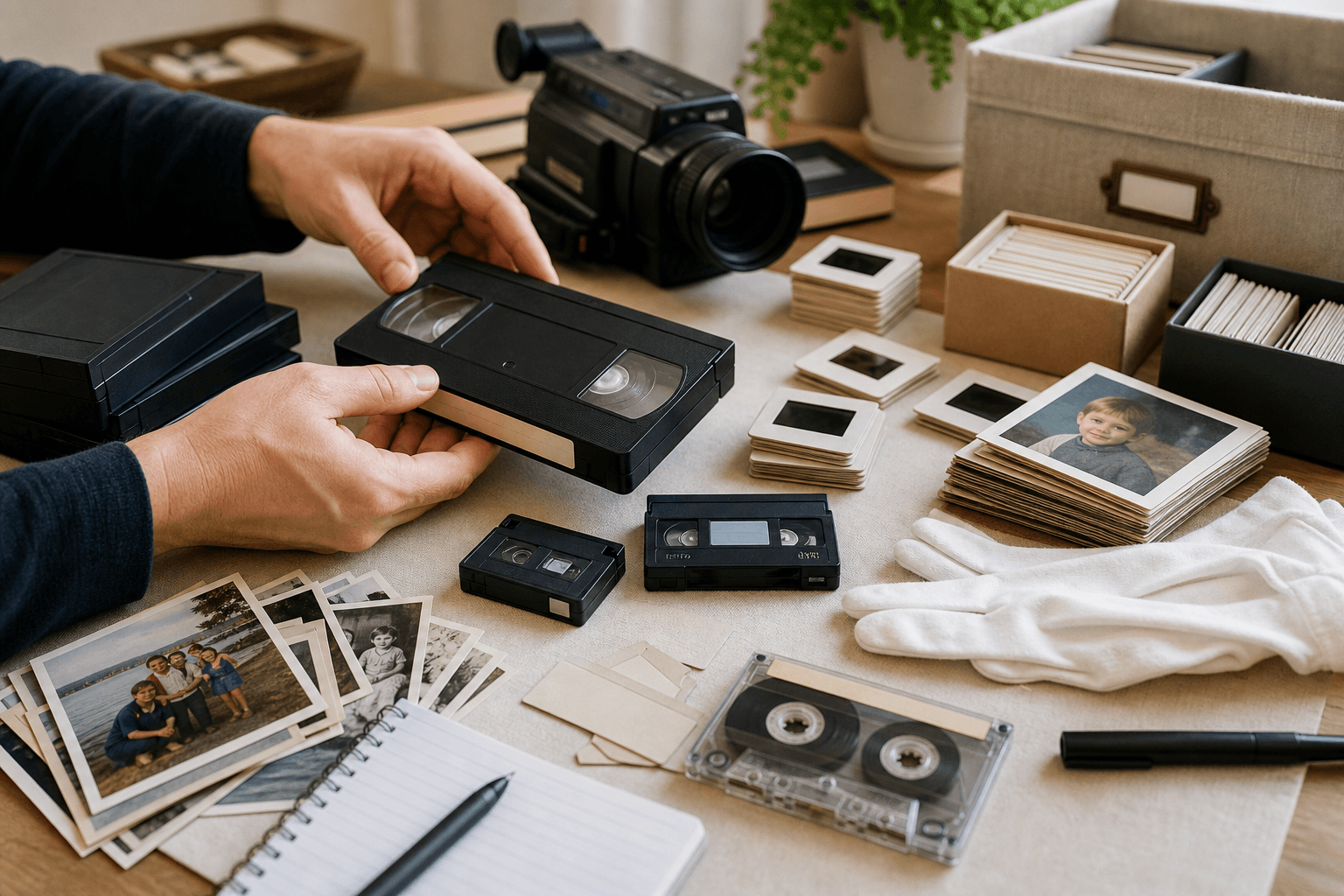
Step 1
A box of originals
Tapes, reels, slides, photos, and audio that may be hard to play, identify, or share.
Digital camcorder tapes, rescued from old hardware
MiniDV and Digital8 tapes may already be digital, but they are still trapped on aging tape. Converting them into usable files makes them easier to organize, back up, and share.
Starting point
$15 per tape
Common formats
MiniDV and Digital8
Delivery
Google Drive, USB, optional DVD
Best next step
Share quantity and format clues
Turnaround depends on quantity, condition, and current queue. You will get the clearest timeline after Aaron reviews the request.
We had several old Mini DV tapes that we wanted to have converted. Aaron walked us through the process and was very responsive via email to questions as well as updates as the process went forward.
LBrian McKean
Google review
What to expect
The goal is to preserve what is on the original media while keeping the process understandable for families.
MiniDV is common for family camcorders, school events, church recordings, and early digital video projects.
Digital8 often looks like Hi8 or Video8 from the outside, which makes identification help valuable before quoting.
Final files can be delivered through Google Drive, USB, or optional DVD add-ons depending on how your family wants to watch them.
From shelf to shareable
Most families start with a box that feels hard to sort. The goal is a simple path from originals to organized digital files your family can actually use.
Step 1
Tapes, reels, slides, photos, and audio that may be hard to play, identify, or share.
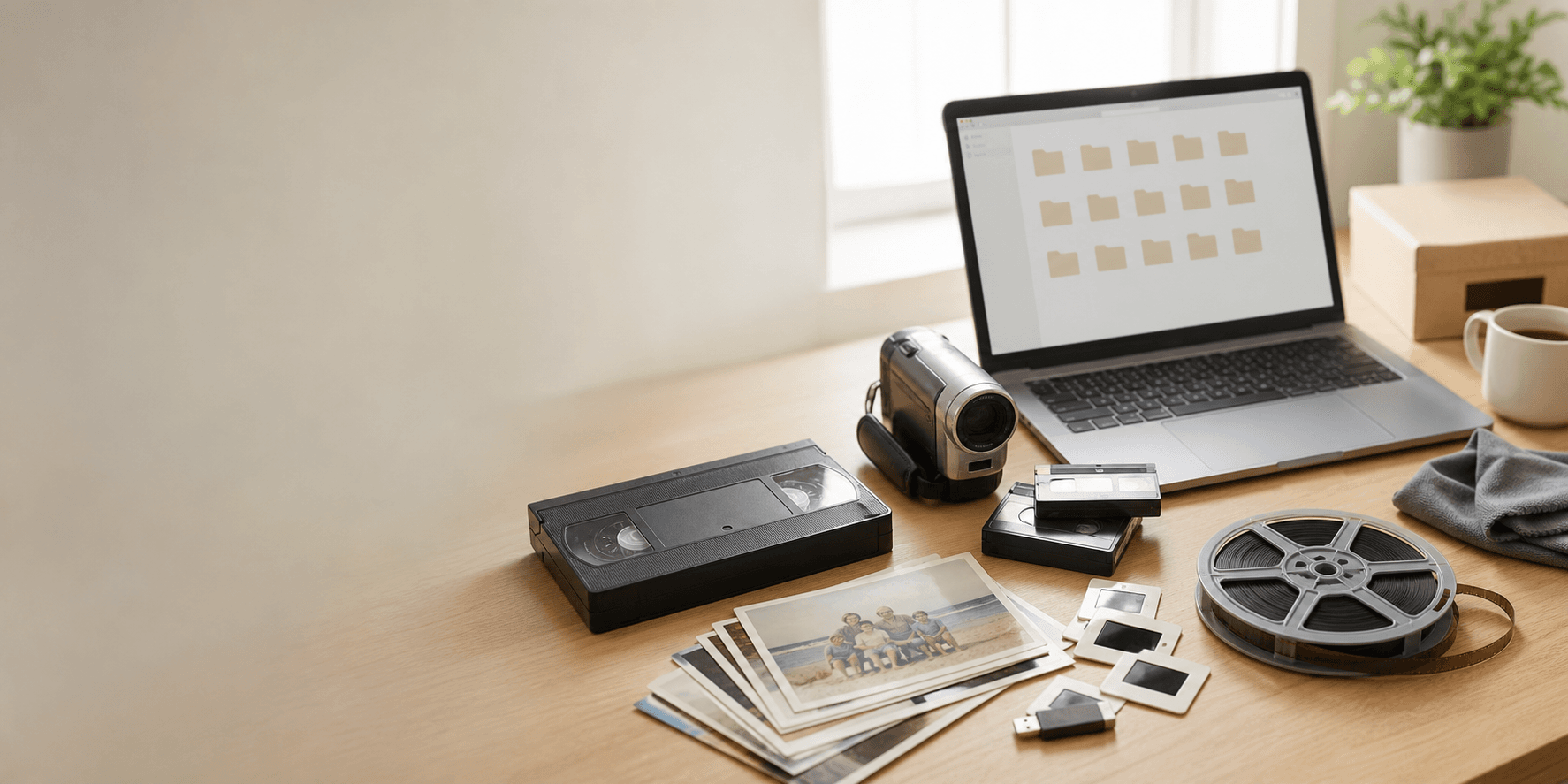
Step 2
The media is handled with realistic expectations, clear communication, and attention to the original condition.
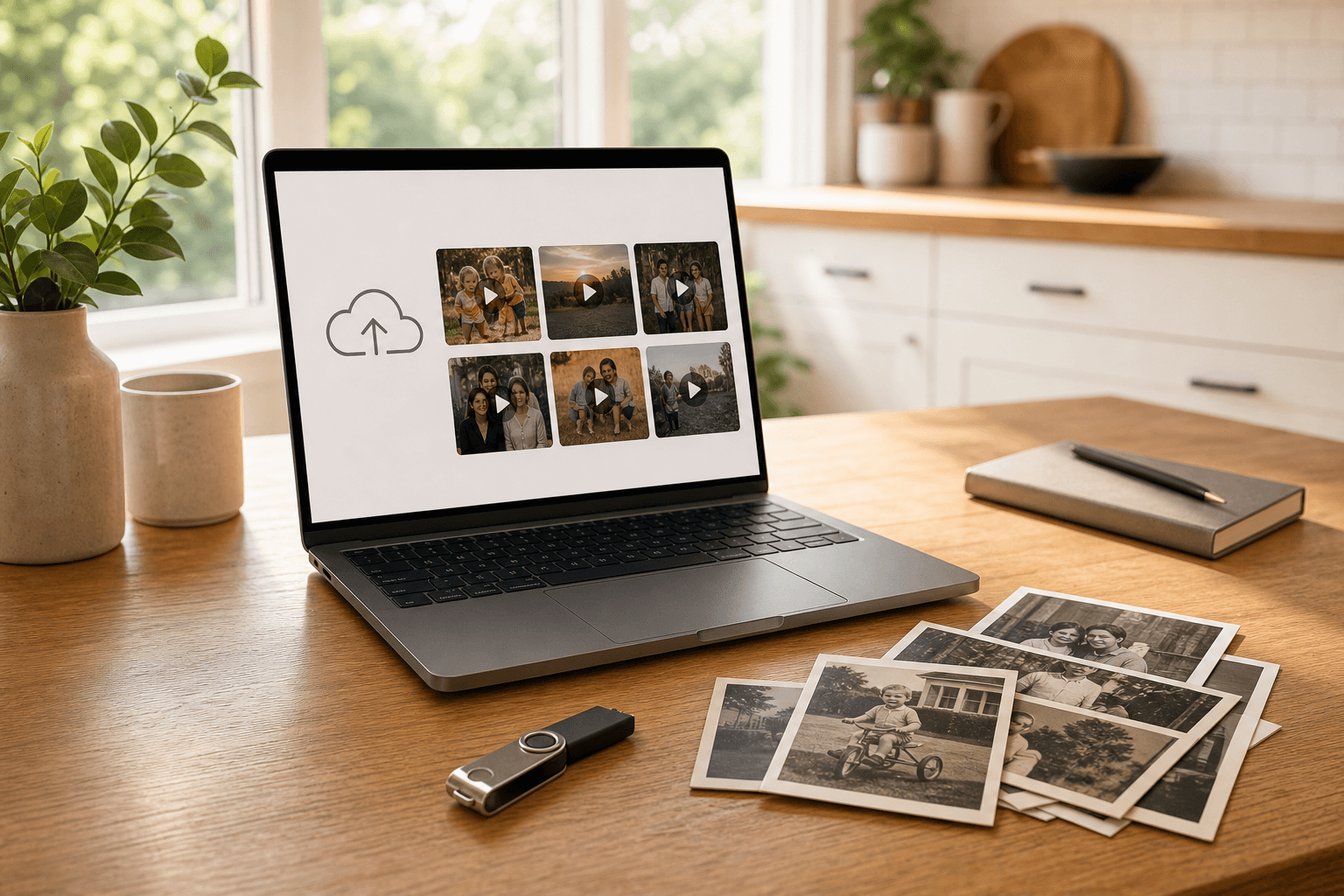
Step 3
Files can be delivered through a private Google Drive folder, USB drive, or optional DVDs when helpful.

Step 4
Memories become easier to watch, back up, and share with relatives across the country.
Formats and delivery
If your project includes mixed media, mention that in the quote request. It can usually be planned together.
Questions
Short answers help you decide whether this is the right next step.
Related
Keep moving through the site based on what your project needs.
Photo identification welcome
Whether it is one tape or a full family archive, the first step is a clear, no-pressure quote.