Google Drive
Private folder delivery makes it easier to send files to family members without mailing extra copies.
Delivery
The main goal is not just conversion. It is helping your family actually watch, save, and pass along the files afterward.
Digital-first delivery
Google Drive is best when several relatives need access. USB is best when you want a physical archive copy. Many projects use both.
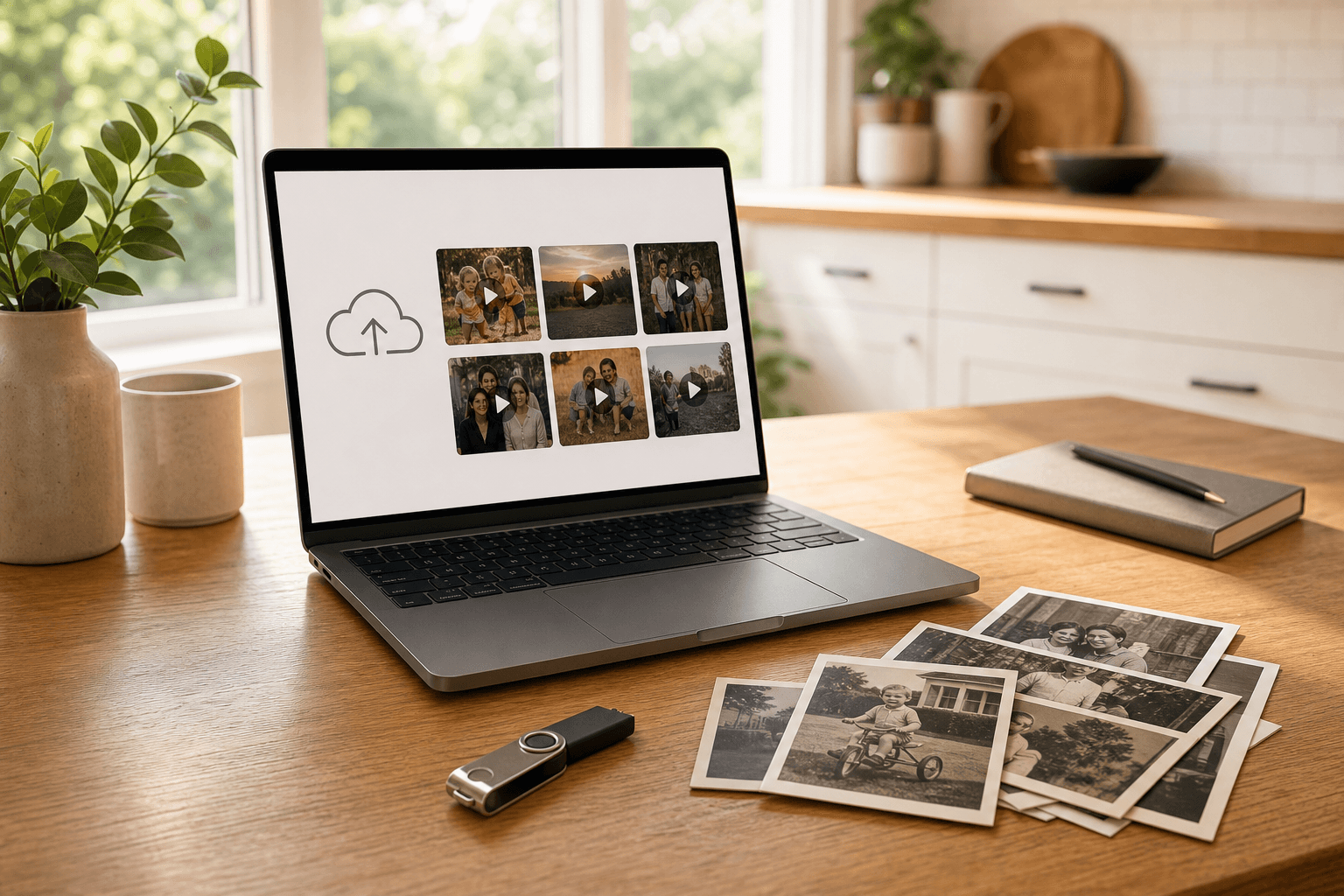
Private folder delivery makes it easier to send files to family members without mailing extra copies.
A labeled USB drive gives you a physical copy for safekeeping, duplication, and local playback.
Helpful note
Digitized video files may need time to upload and process after conversion, especially for larger family archive projects. Timing can be discussed during the quote.
Delivery questions
The right choice depends on how your family wants to watch and share the files.
Photo identification welcome
Whether it is one tape or a full family archive, the first step is a clear, no-pressure quote.